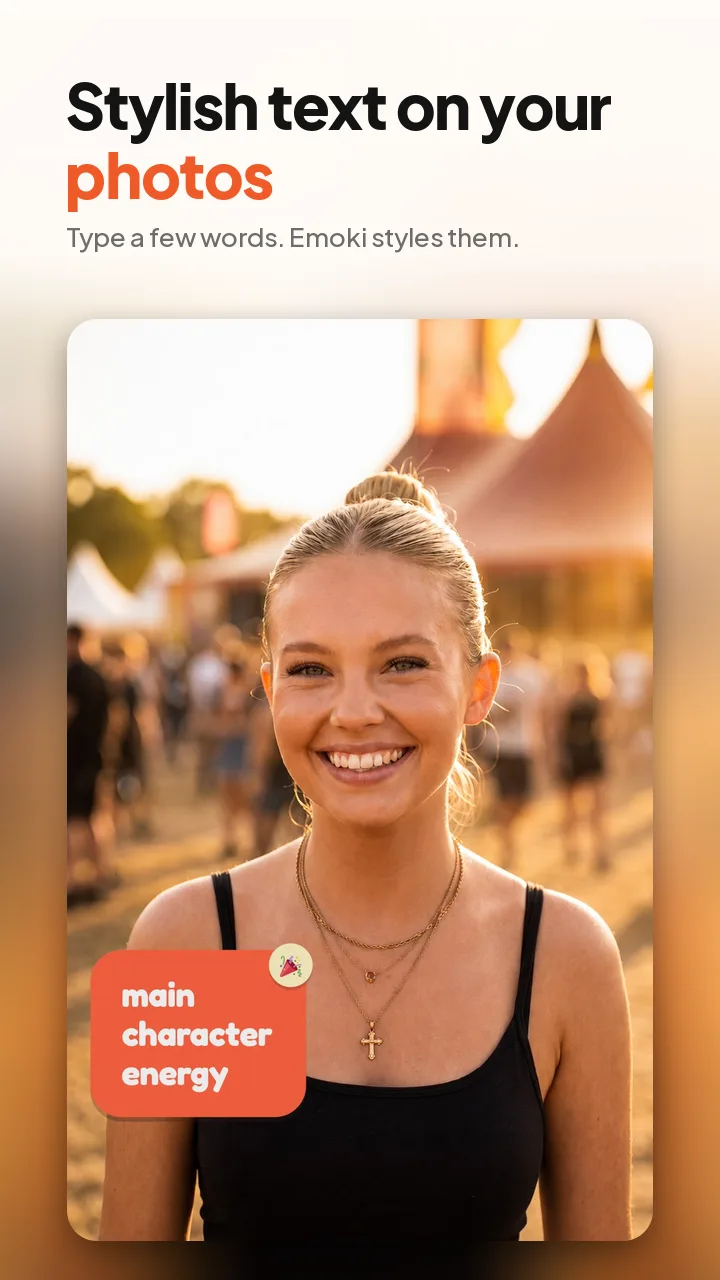

Photo captions
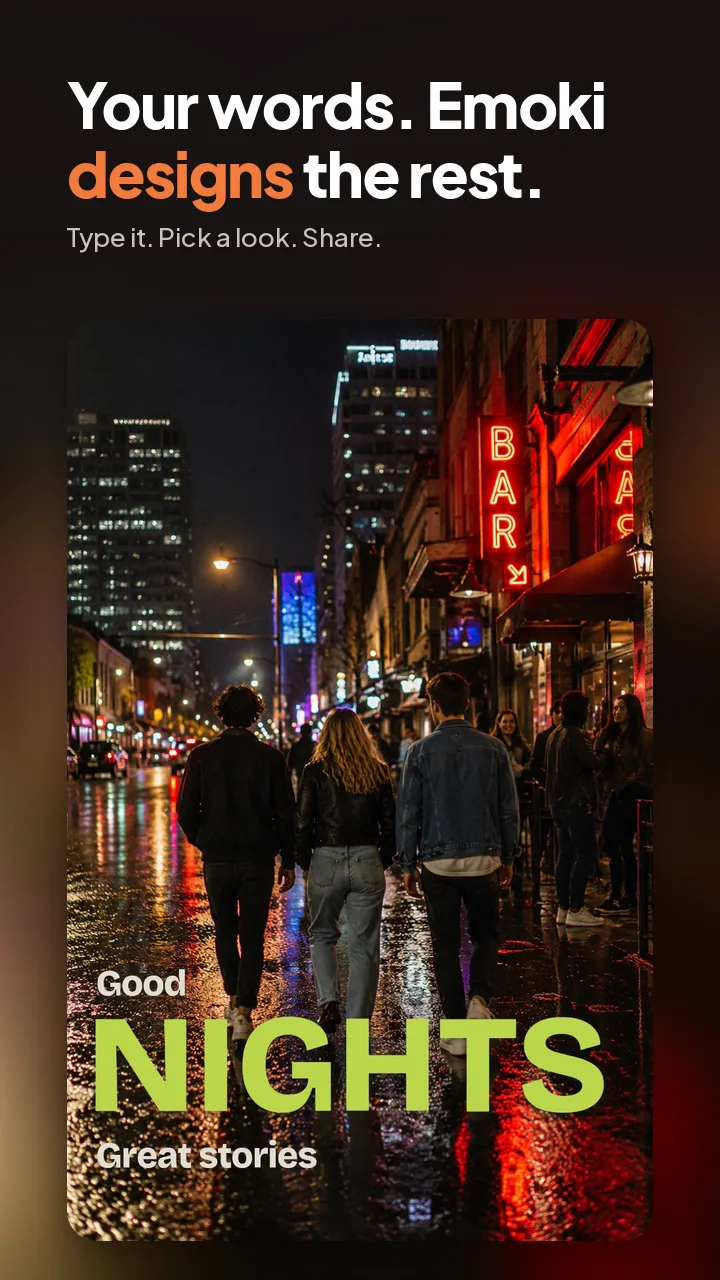
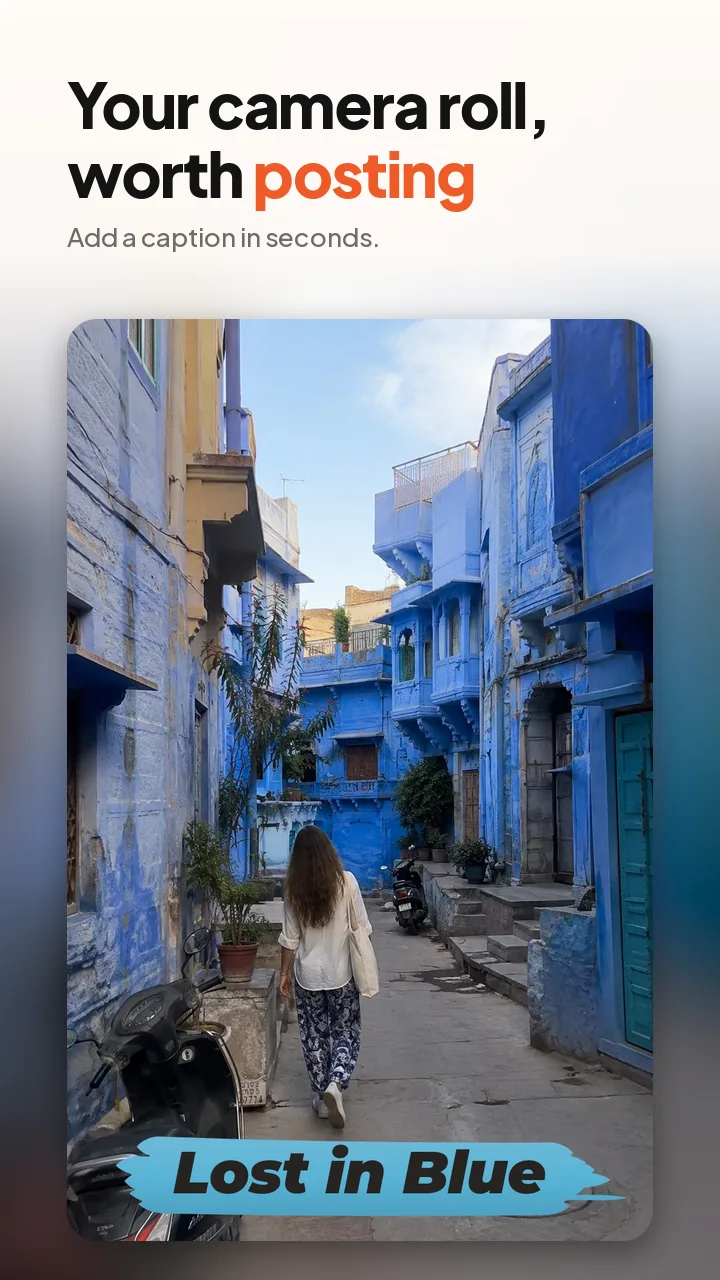
Add text to photos without designing from scratch. Emoki turns your caption into a finished visual look and places it on your photo for you.

Emoki: Text on Photos & Videos
Pick the vibe. Share it.
Import a photo or video, type your caption, choose a ready-made look and share. No design skills needed.
Photo or video → caption → style → share.
Or right now, in your browser: Add text to photo online →
Plays only when you tap. Sound off by default.
Photos, videos or just text. Pick a look. Share it. No complicated editor, no font hunting, no color tweaking and no endless sliders.
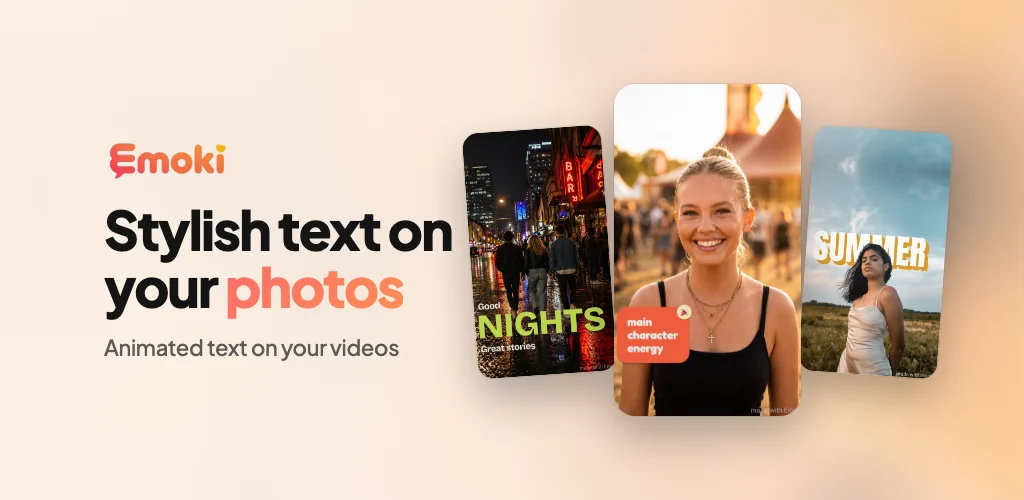
Real caption styles on real moments. Add your words, pick a complete Emoki style, and share.
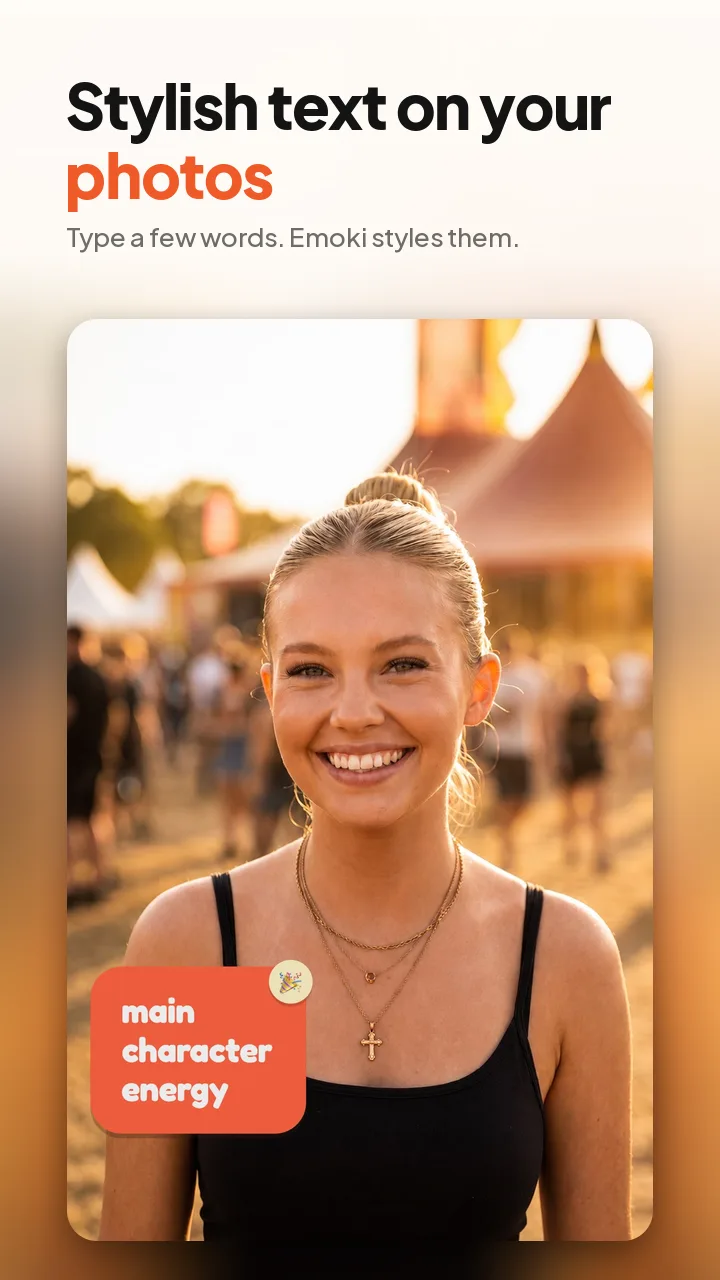

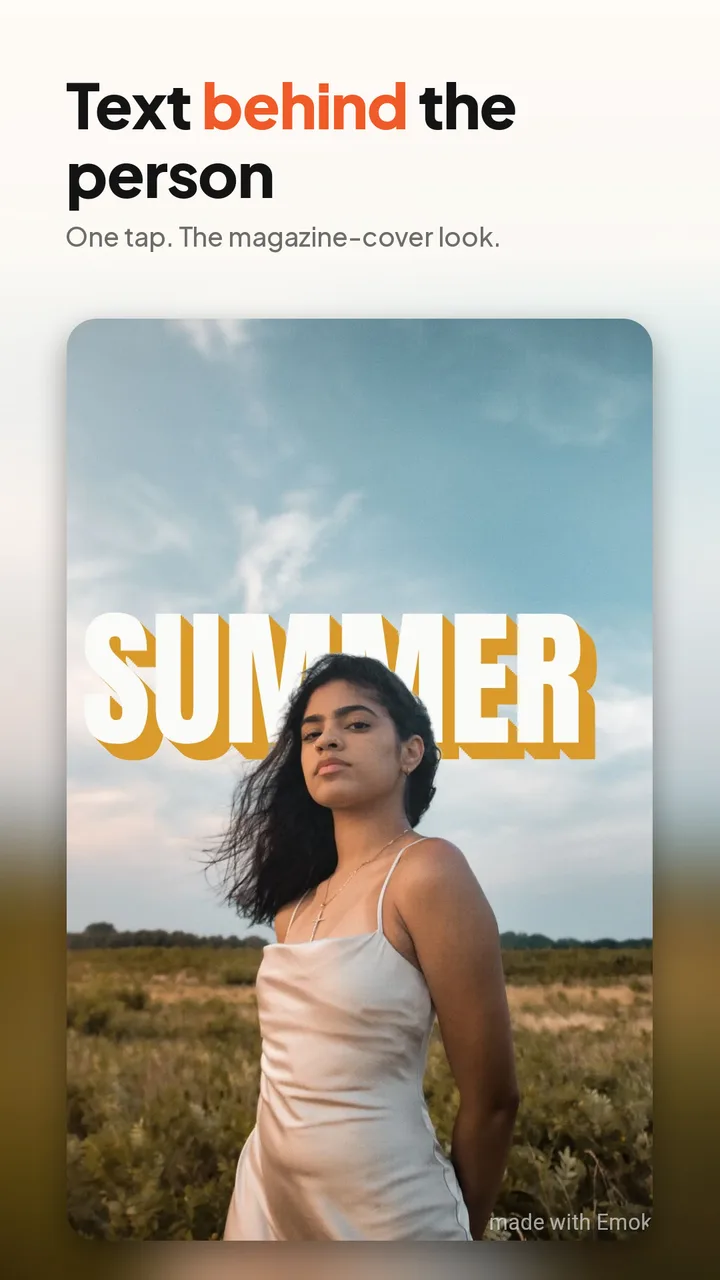



The caption is burned into the video itself, so it looks the same everywhere you share it: WhatsApp, TikTok, Instagram Reels and Stories, Snapchat, Telegram, Messenger and more. No stickers that disappear, no app needed on the other side. Below: one clip recorded in the app, as the exported file, and after sending it in WhatsApp.
Turn photos, videos, or a quick thought into something worth sharing. Emoki is a fast way to create styled photo captions, video captions, and text-only posts for messages, stories, social media, and everyday moments. Emoki handles the typography, layout, colors, and placement for you.
Add text to photos without designing from scratch. Emoki turns your caption into a finished visual look and places it on your photo for you.
Give short videos more personality with ready-made caption styles, including motion looks designed for video. Add your words, choose a style, and Emoki handles the visual treatment.
No photo or video needed. Turn a message, reaction, quote, joke, announcement, or random thought into a styled visual you can share anywhere.
Every Emoki style is a complete design. Choose the vibe you want and Emoki makes the aesthetic decisions for you — from clean and minimal to bold, playful, handwritten, graphic, or animated.
Create captioned photos, videos, stories, posts, visual messages, and quick replies without opening a full editing app.
Emoki is made for everyday moments: nights out, travel, pets, food, birthdays, achievements, reactions, inside jokes, quick replies, and everything in between.
Emoki: Text on Photos & Videos is a mobile app for iPhone and Android that adds stylish text to photos and videos. You type a short caption (up to 60 characters), pick a complete caption style, and Emoki handles the typography, layout, colors and placement, so you can share the result in seconds. It is not a full editor with font pickers and dozens of settings.
Choose a photo or video (or start with text only), type your caption, pick a style and share. There are no fonts, colors or sliders to adjust: every Emoki style is a finished design.
Yes. Emoki creates captioned videos with ready-made caption styles, including motion styles designed for video.
Yes. Emoki can turn a message, quote, reaction, joke or announcement into a styled, text-only visual you can share anywhere.
Emoki reads your caption and looks at your photo or video, then suggests the styles that fit best out of 30 still and motion styles. It also detects faces on-device so your caption isn't placed over someone's face.
Yes. When you share an animated caption to a chat app, you can send it as a looping GIF that plays automatically, or as a higher-quality MP4 video. Emoki exports in 1080p in square, 4:5 and 9:16 formats.
Emoki is free to use, with no ads and no account needed. The free version adds a small watermark; an optional Emoki Plus subscription (monthly or yearly, cancel anytime) removes it.
Yes. Emoki is available on the App Store for iPhone (https://apps.apple.com/app/id6803917557) and on Google Play for Android (https://play.google.com/store/apps/details?id=com.emoki.app).
No. Emoki is made for people who want good-looking captions without using a full editing app. You pick the vibe and Emoki makes the design decisions.
Long-press the Emoki logo at the top of the screen for about half a second. The app switches between the dark and light background, and remembers your choice. Long-press again to switch back. By default Emoki follows your phone’s system setting.
You can share your captioned photos, videos and text posts to your favorite messaging and social apps, for example as stories, posts or quick replies.
Emoki is developed by BIND BV. For support, email support@emoki.io.
Pick the vibe. Share it.