Add text to a photo, online
Type a caption, tap a style, done. 26 complete looks from the Emoki app — right here in your browser.
Free · no account · your photo stays on your device

Styles
Saved. Want it on video too?
The same styles on your videos, plus animated text. Free in the Emoki app.
 Scan to get Emoki on your phone
Your photo stays on your device.
How it works
Choose a photo
Tap “Choose photo” (or drop one on the editor). It is opened in your browser — nothing is uploaded.
Type your caption
Up to 60 characters, emoji included. Every style places and sizes the text for you.
Pick a look, then share
Tap a style, drag, pinch or rotate if you want, and tap “Download / Share”.
Why people use it
- No design work. No font menus or colour pickers: each style already looks finished.
- Private by design. Your photo is processed in your browser and never sent to a server.
- Ready to post. You get a 1080-pixel JPEG for Instagram, WhatsApp, TikTok or anywhere else.
- Video too, in the app. Emoki for iPhone and Android adds the same styles to videos, plus animated text.
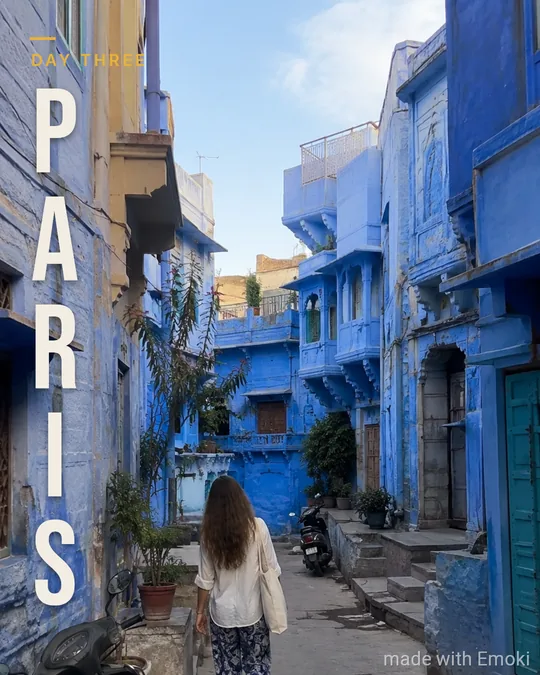
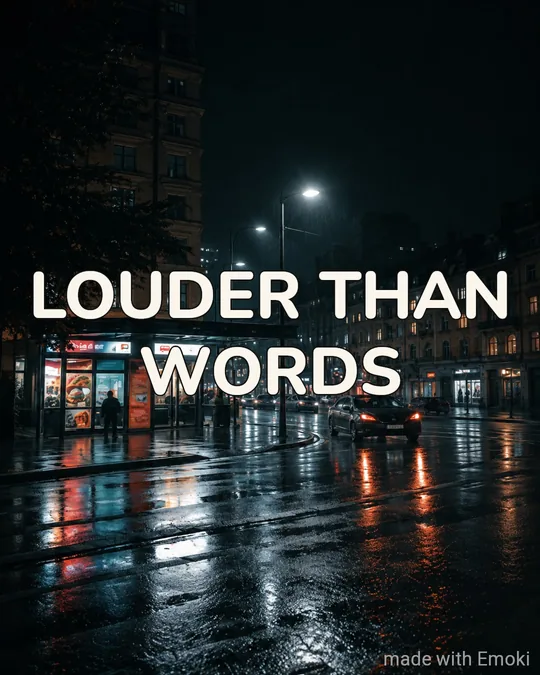
26 styles to choose from
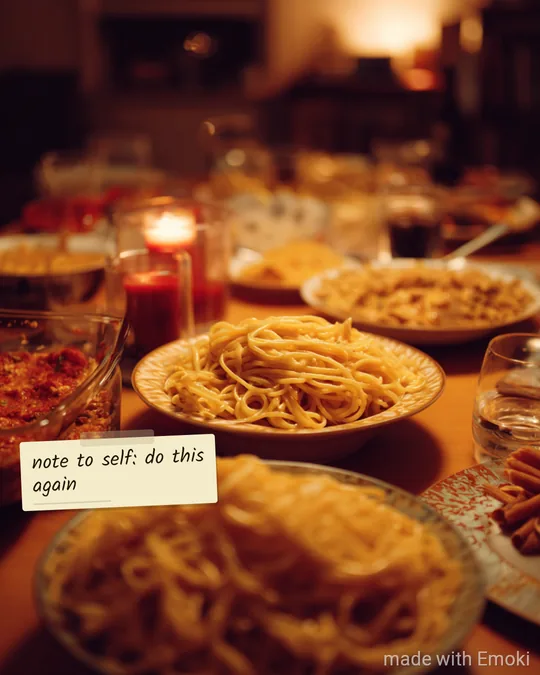
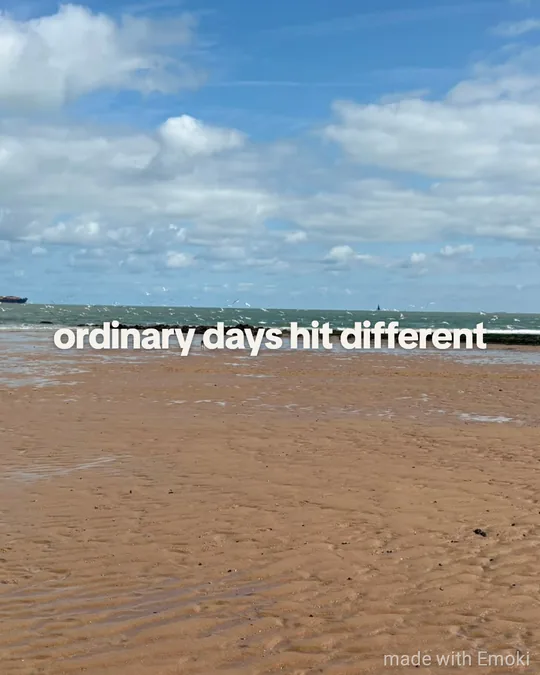
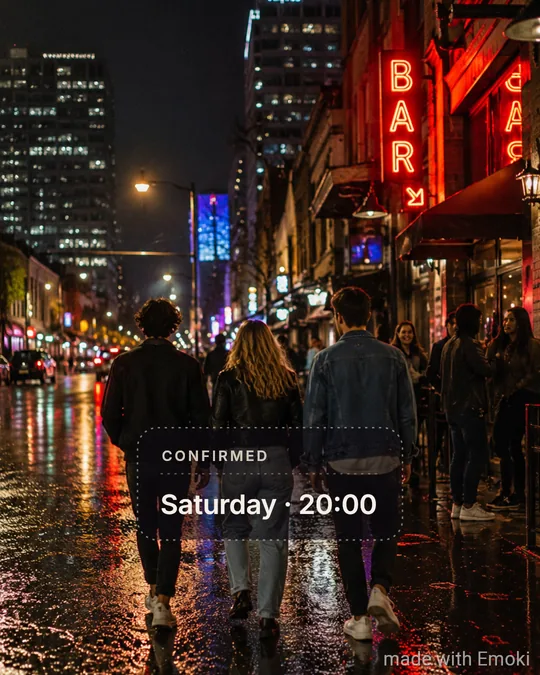
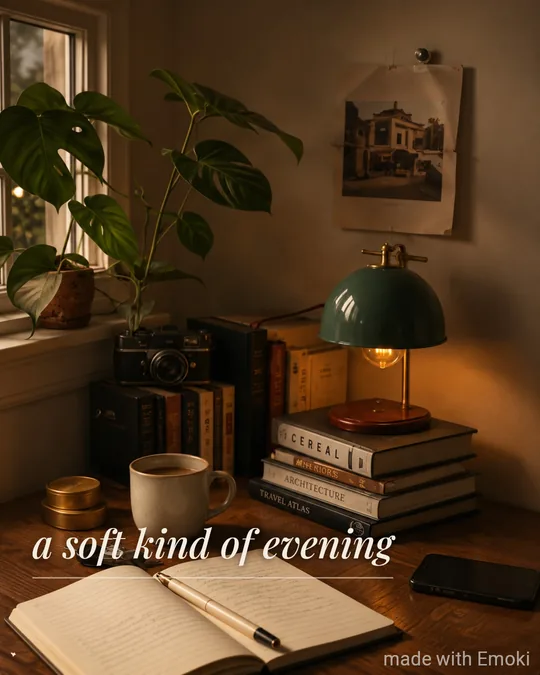
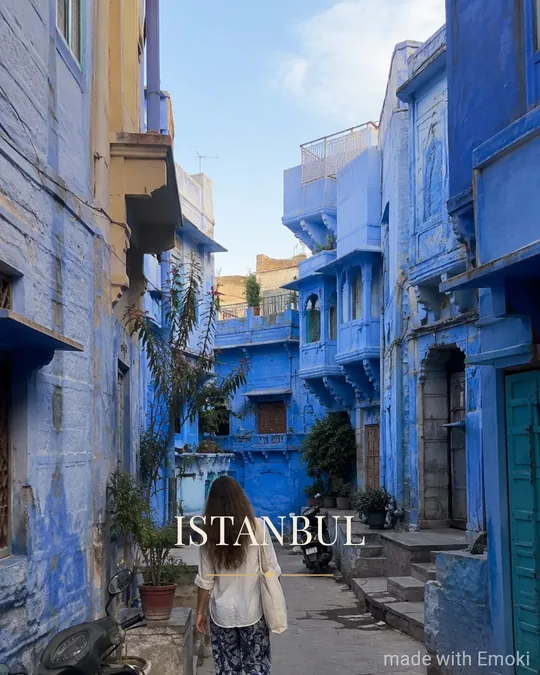
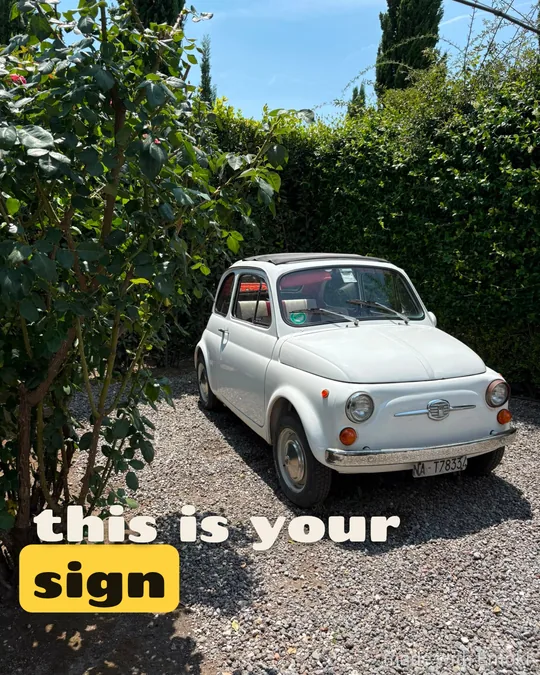
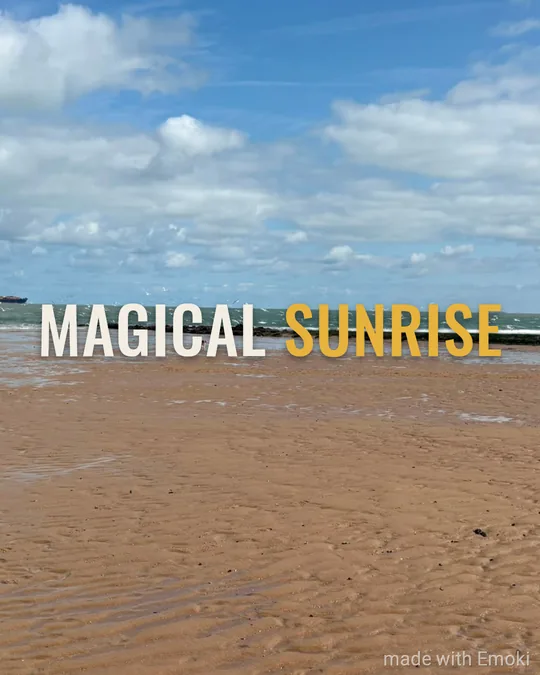
Every style is a complete look — font, colours, layout and placement are designed together. Open one to see it on its own page.
















FAQ
Is it free?
Yes. The online editor is free and needs no account. Images get a small “made with Emoki” mark in the corner.
Is my photo uploaded?
No. Your photo is opened and rendered inside your browser. It never leaves your device.
How long can my caption be?
Up to 60 characters, emoji included. Short captions get the biggest, boldest look.
Can I add text to a video?
Not in the browser. The free Emoki app for iPhone and Android adds the same styles to videos and has animated text styles.
Which photos work?
JPEG, PNG and WebP photos from your phone or computer. Very large photos are scaled to a sharp 1080-pixel result.
Want this on video?
Free on the App Store and Google Play: the same 26 styles for photos and videos, plus animated text.
More ways to add text
Emoji by Twemoji (CC-BY 4.0) · Fonts under the SIL Open Font License · Licences