
Ticket Note: text on your photo
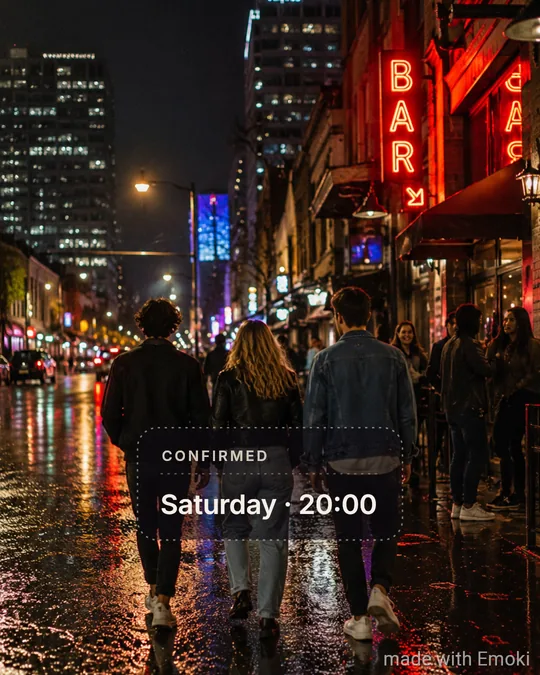
A dotted-border ticket card with a CONFIRMED kicker.
Ideal for: Plans, invites, events
Drag · pinch · rotate — double-tap to reset
Drop your photo here
Styles
Saved. Want it on video too?
The same styles on your videos, plus animated text. Free in the Emoki app.
 Scan to get Emoki on your phone
Your photo stays on your device.
About Ticket Note

FAQ
What does Ticket Note look like?
A dotted-border ticket card with a CONFIRMED kicker.
When does Ticket Note work best?
Plans, invites, events.
Can I change the font or colours of Ticket Note?
No — and that is the point. Ticket Note is a finished look; you only type the words and, if you like, nudge the position.
Want this on video?
Free on the App Store and Google Play: the same 26 styles for photos and videos, plus animated text.
Other styles
Story BoxMargin NoteMarker PopPop BoxHand NoteSoft CaptionCreator SansTape LabelSerif MomentDinner NoteNeon NightGlitch TagSticker OutlineGradient JuiceCity CardBig BebasStacked ShoutSize MixLit WordEdge to EdgeSide ClimbCaps x ScriptPoster BoldBadge StampOutline
More ways to add text
Emoji by Twemoji (CC-BY 4.0) · Fonts under the SIL Open Font License · Licences