
Caption ideas for every photo and video
393+ short, funny and aesthetic captions for Instagram, TikTok, stories and group chats. Find one, tap to copy, then put it right on your photo or video with Emoki.
Updated November 7, 2026 · By the Emoki team
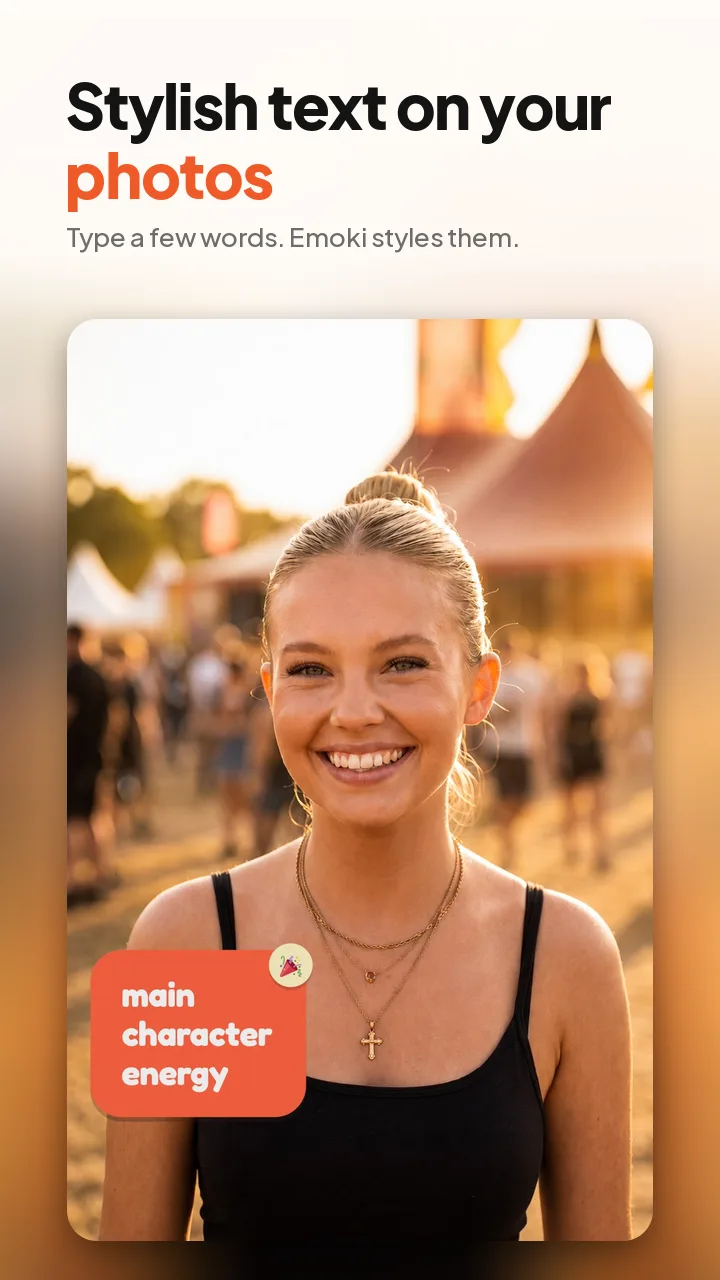
Browse captions by moment
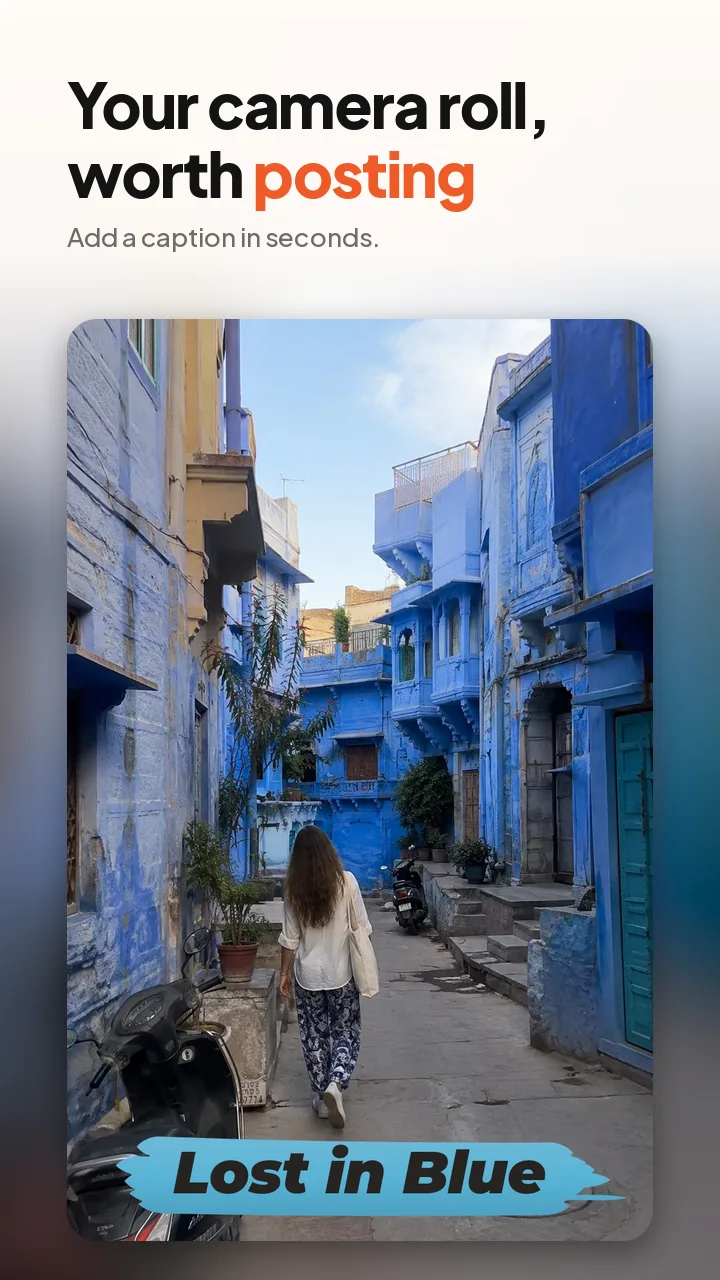





How to write a caption that works on a photo
Keep it short. On top of a photo or in a story, two to six words read instantly. Save longer stories for the text under your post.
Say what the photo can't. The picture already shows the beach. The caption can add the feeling (“Lost in blue”) or the joke (“Out of office”).
Don't cover faces. Place text in open space: sky, wall, table or floor. Emoki detects faces on your phone and does this for you.
Match the style to the mood. A celebration wants something bold; a quiet travel moment wants something softer. Emoki reads your caption and suggests styles that fit.
Guides
Put your caption on your photo
Type a caption, pick one of 30 styles, share. Free, no ads, no account.
Frequently asked questions
What makes a good Instagram caption?
A good caption is short enough to read in a second, sounds like you, and adds something the photo doesn't already say: a joke, a feeling or a bit of context. Two to six words is ideal when the caption goes on the photo itself.
Where can I find caption ideas?
Browse the categories on this page: travel, dog, food, running, graduation and night out. Every caption can be copied with one tap.
How do I put a caption on a photo or video?
Open Emoki, pick a photo or video (or start with text only), type or paste your caption and pick one of 30 styles. Emoki suggests styles that fit your words and keeps the text off faces. Then share straight to Instagram, TikTok, WhatsApp and more.
Is Emoki free?
Yes. Emoki is free, has no ads and doesn't need an account. The free version adds a small watermark, which you can remove with an Emoki Plus subscription.