Styled text posts, as fast as sending a message
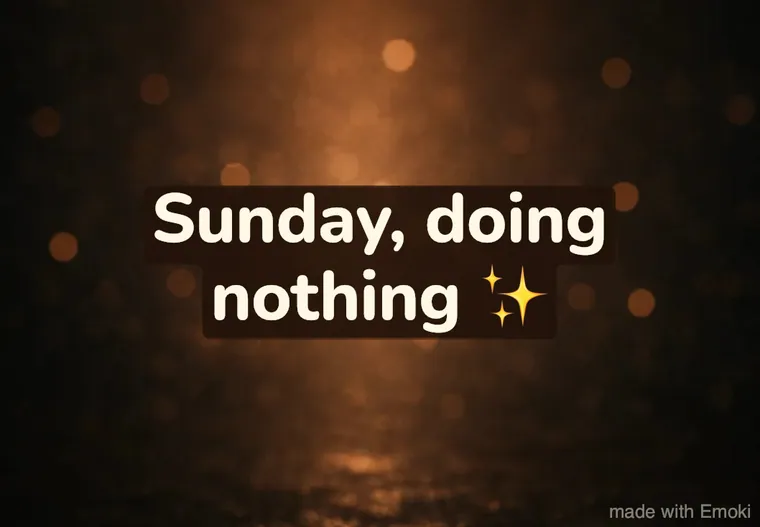
Tap Text only, type what you want to say, share. Emoki puts your words on a ready-made background in a finished style, so a good-morning, a birthday wish or big news looks great without any design work.
No photo needed · 30 styles · Updated November 7, 2026
Three taps, no design
Text only is built to feel like typing a normal message.
On the start screen. No photo to find, no background to pick.
The style and its background are already there. Emoji welcome.
Tap WhatsApp, Instagram, TikTok, Snapchat, Telegram or another app. Done.
Want another look? Open the Styles tab: under “Suggested for you” Emoki ranks the 30 styles by what your words say, so “we did it 🎉” gets something festive and “miss you already” something soft. Every style also has several color looks in text-only mode, where background and text color change together.
Every style as a text post
All 30 styles on the background they come with in text-only mode. Every style has several looks where the background and the text colors change together: tap the color dots to try them.
Animated text posts
Text that moves: perfect as a looping GIF in a chat.
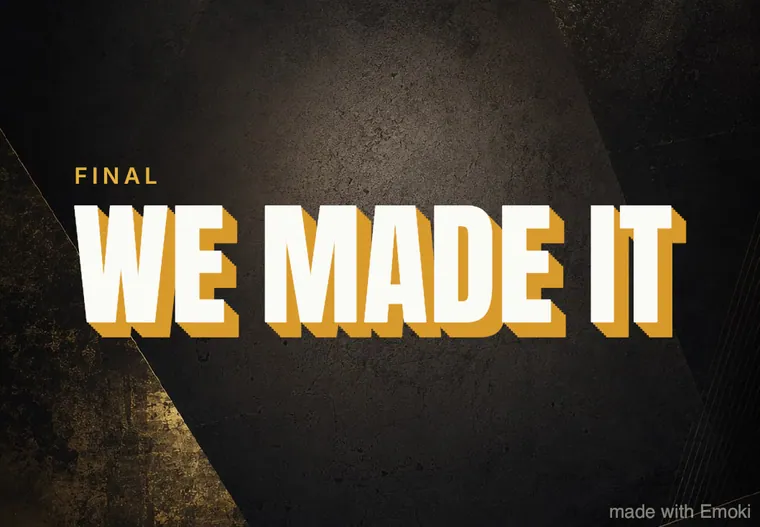
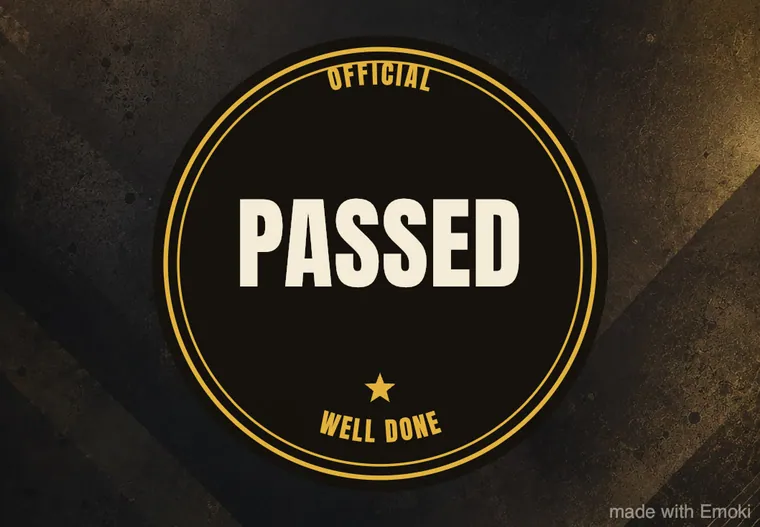
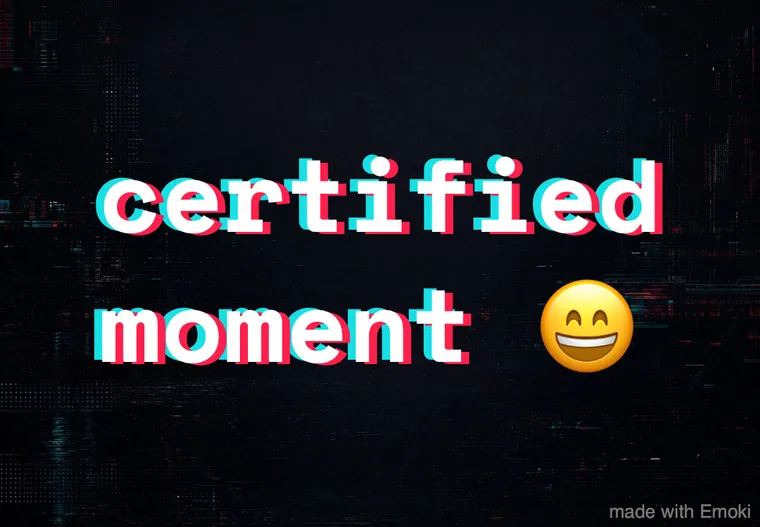
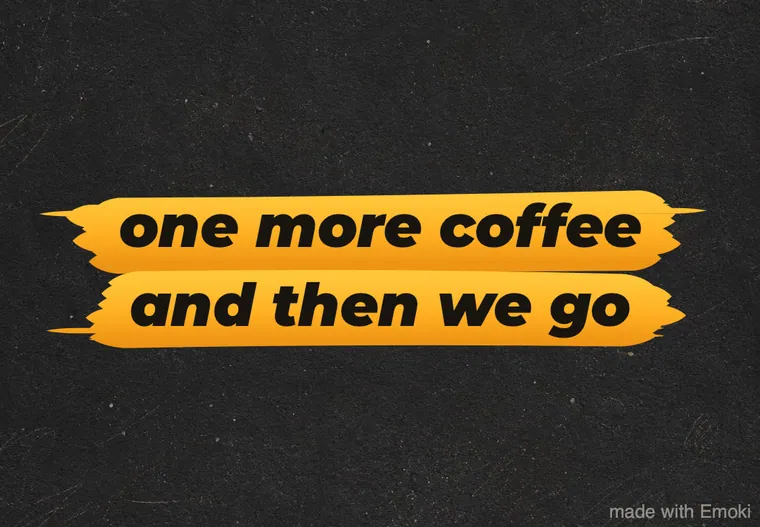
Bold & hype
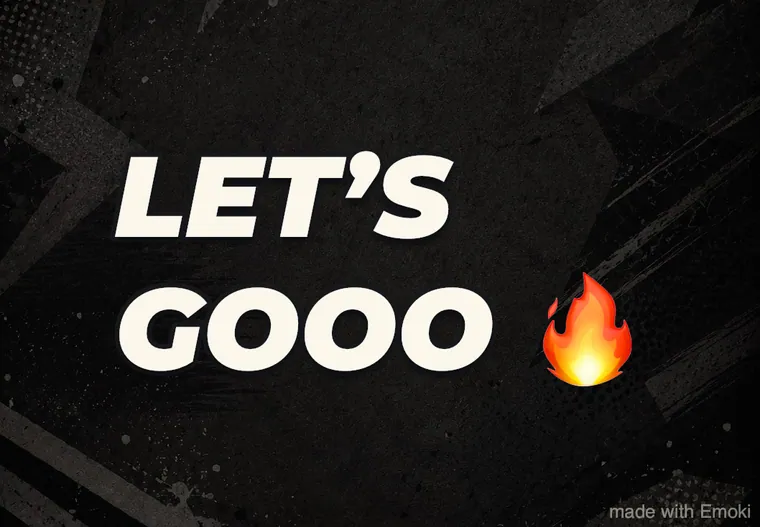
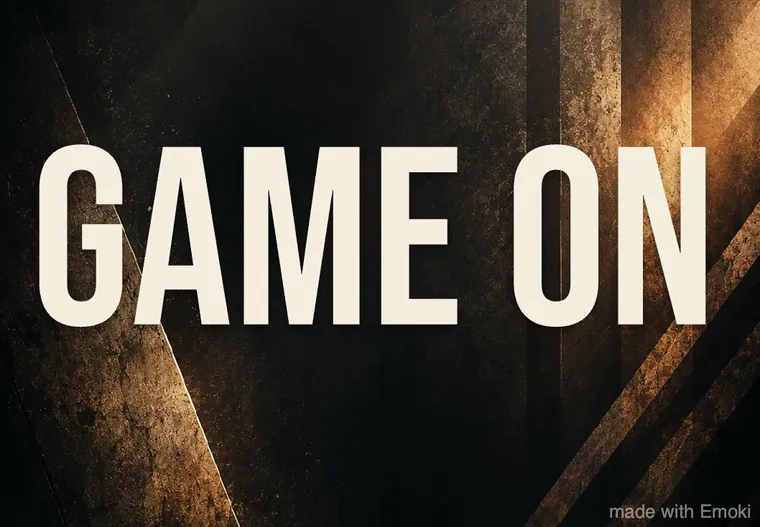
Big, loud type for wins, sport, announcements and hype.


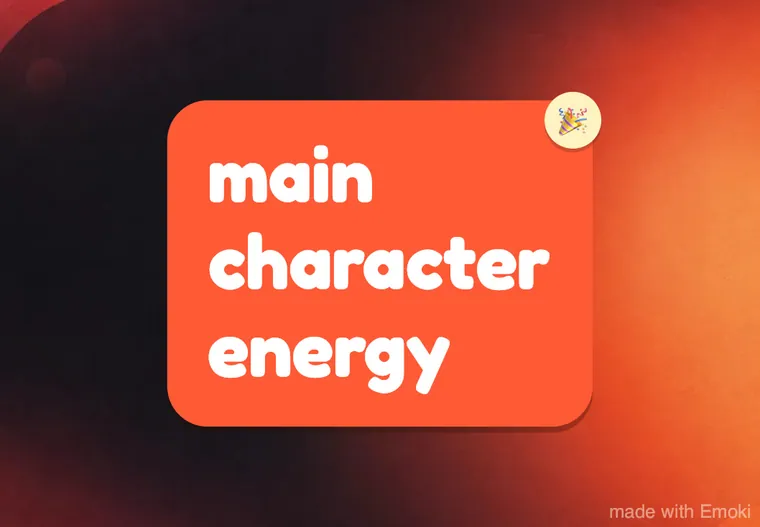
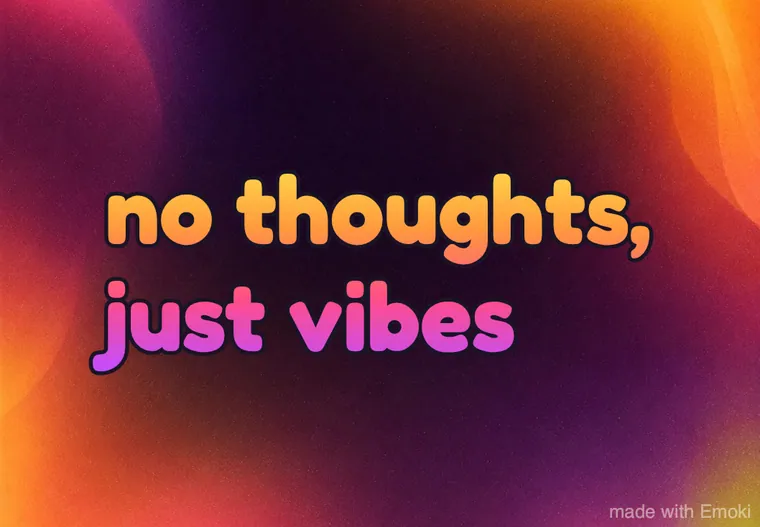
Fun & colorful
Playful, upbeat styles for friends and social posts.
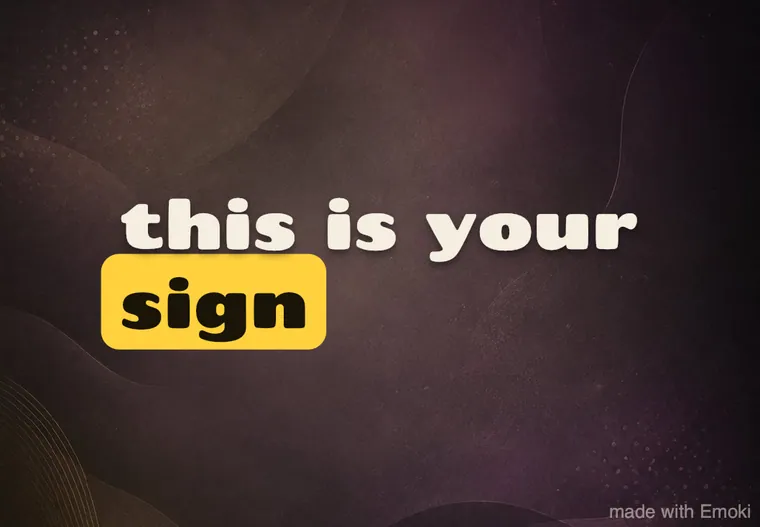
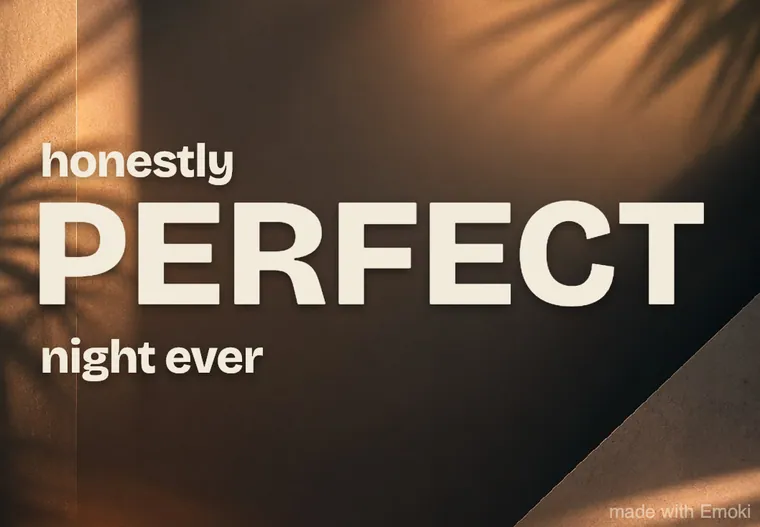
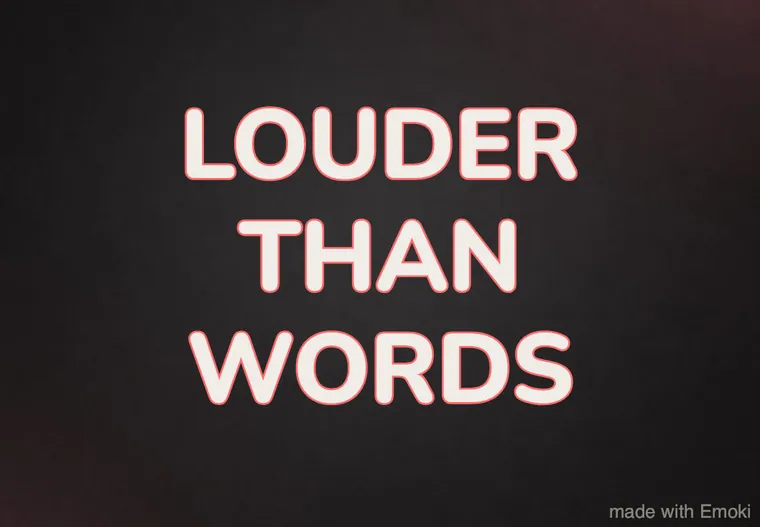
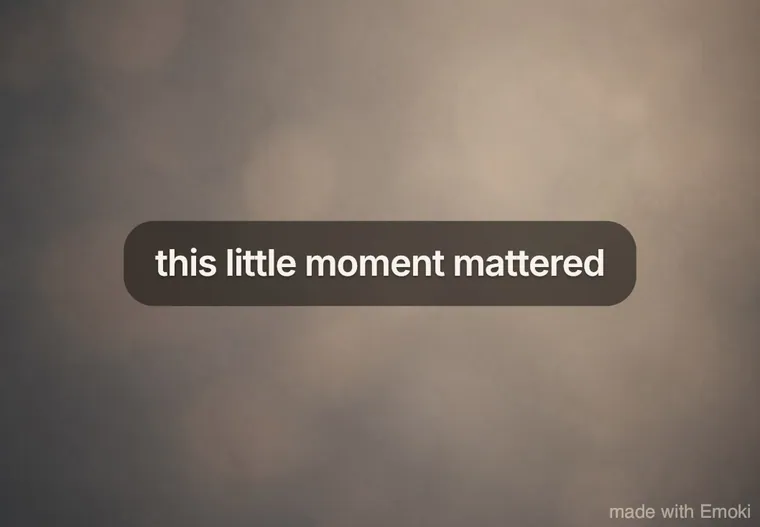
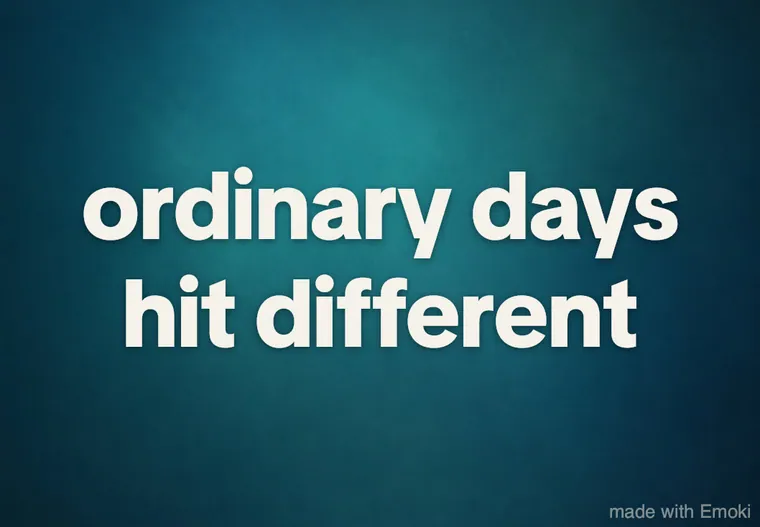
Soft & everyday
Clean, readable styles that work on almost any photo.
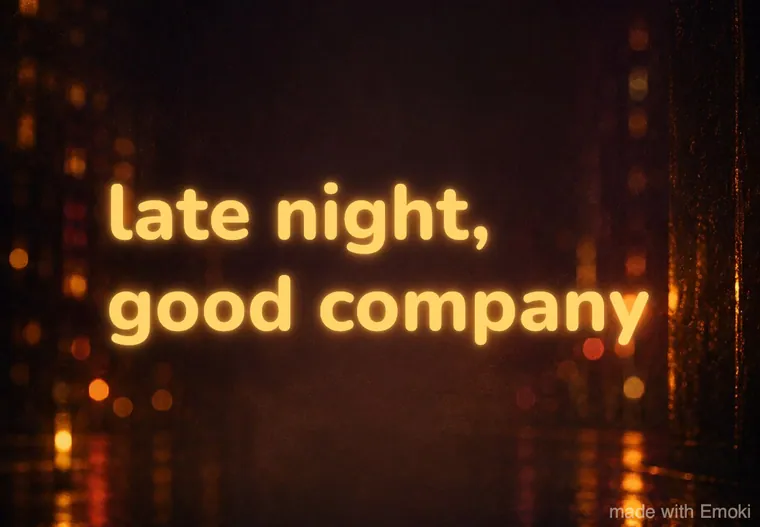
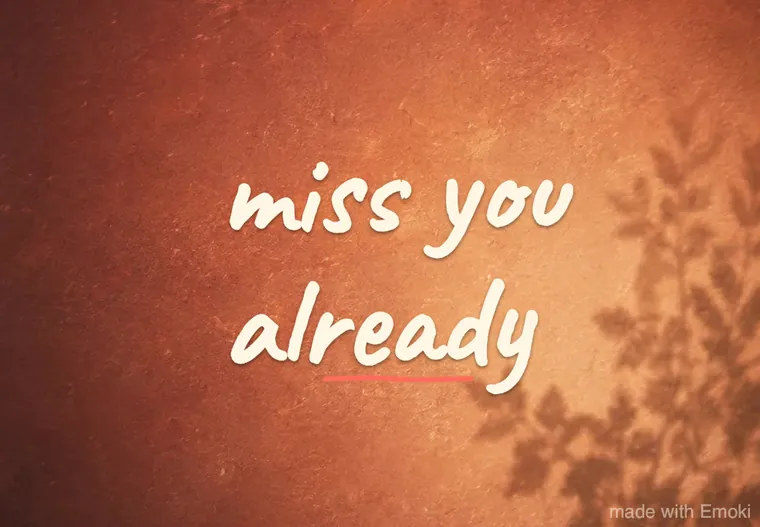
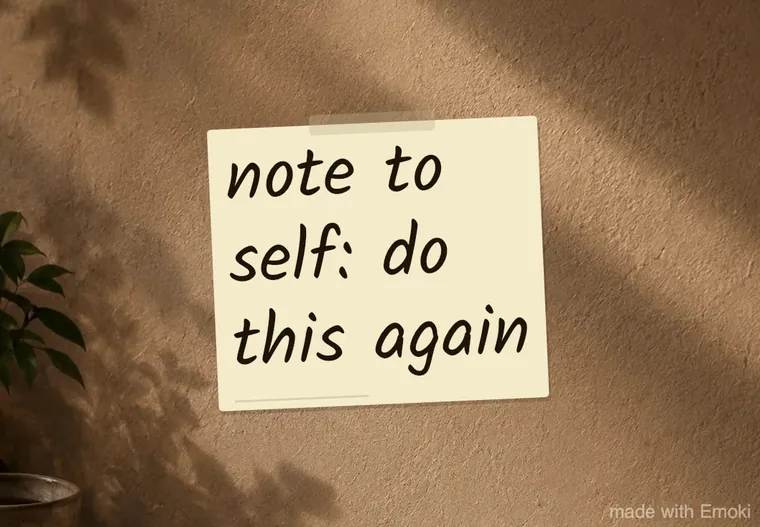
Notes & handwritten
Personal, scribbled and paper-like.
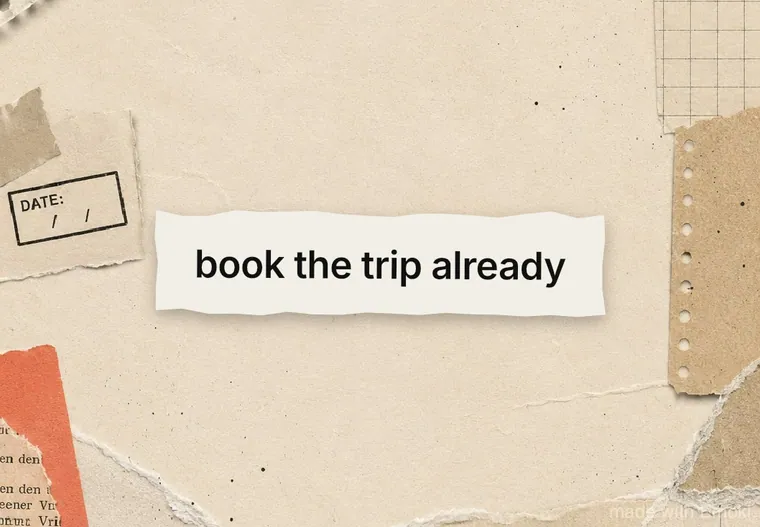
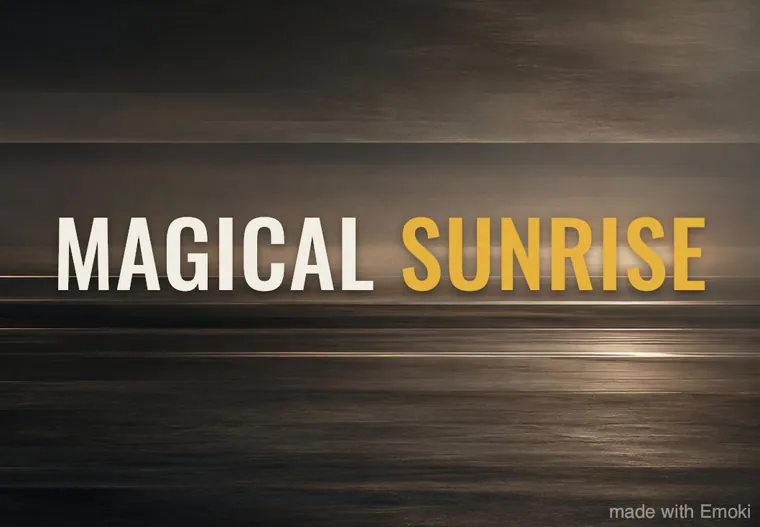
Editorial & travel
Magazine-style serif and location titles.
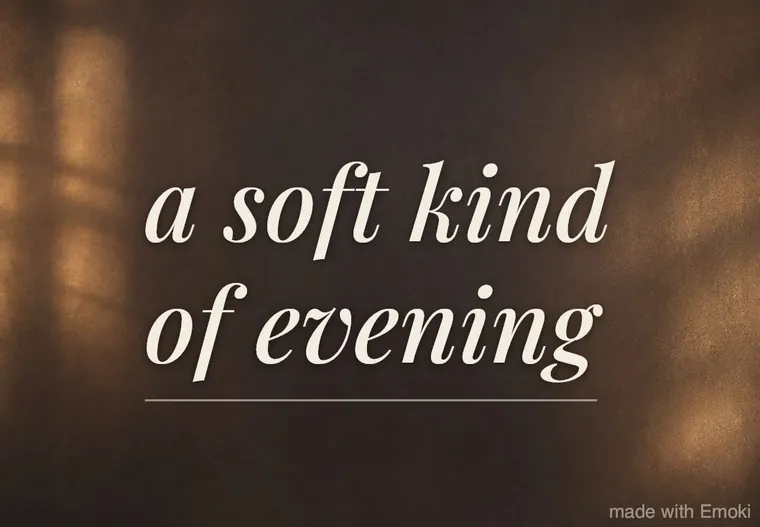
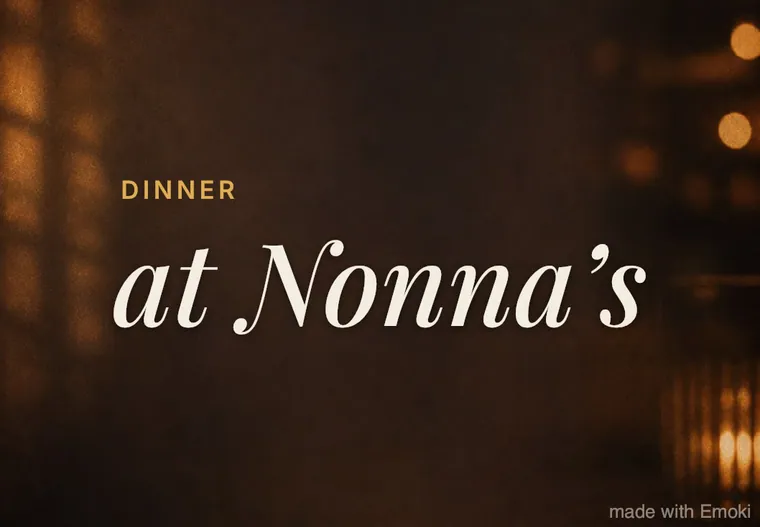

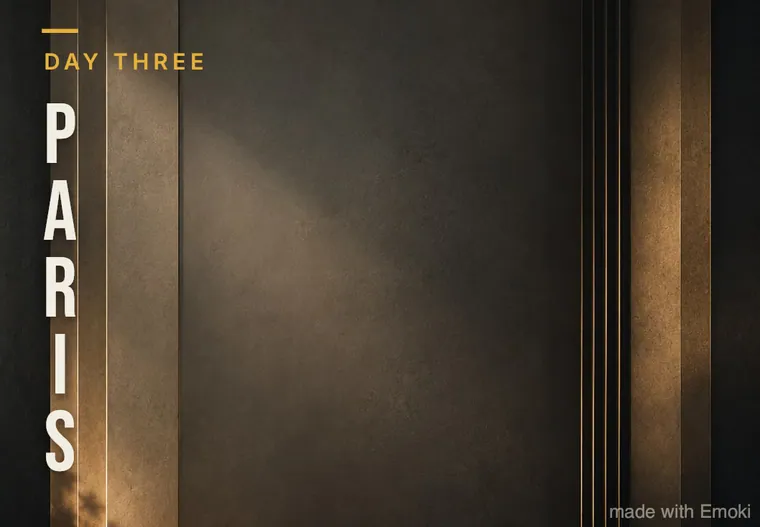
These previews are real exports from the Emoki app, made on an iPhone with the app's sample captions. In the app you use your own words, photo or video.
What people make with text only
- Good morning / good night: “Good morning ☀️”, “Sleep tight 🌙”.
- Wishes: “Happy birthday!! 🎂”, “Congrats, legend 🏆”, “Get well soon”.
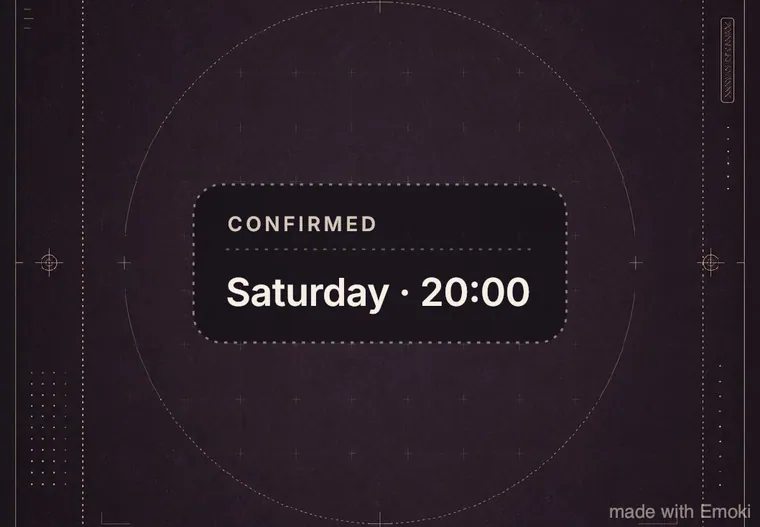
- Plans and invites: “Saturday · 20:00” in Ticket Note, “Who's in?” in Typewriter Snap.
- Big news: “We're moving!”, “It's a girl”, “Officially done 🎓” in Poster Bold or Badge Stamp.
- Feelings and sorry notes: “Miss you already”, “Sorry about earlier ❤️” in Hand Note or Pulse Glow.
- Thoughts and quotes for your story or status in Creator Sans or Serif Moment.
Need words? Browse our caption ideas.
Frequently asked questions
Can I make a text post without a photo?
Yes. Tap Text only on Emoki's start screen, type your message and share. Every style comes with its own ready-made background, so you never start from an empty screen.
Is it really as fast as sending a message?
Almost. Text only, type, tap the app you want to share to. The style and background are already applied, so if you're happy with the look there's nothing else to do. Want a different look? One tap in the Styles tab.
Can I change the background of a text post?
Yes. In text-only mode every style offers several complete looks (usually five): its original background plus color backgrounds, each with matching text colors. You can also pick a photo or video instead to put your text on your own picture.
Can I send a text post as a GIF?
Yes. Pick one of the four motion styles, share to WhatsApp, Telegram, Messenger or Messages and choose “Send as loop” to send it as a looping GIF.
Which sizes can I export?
Text posts export 1080 pixels wide in 1:1 (square), 4:5 (feed) or 9:16 (stories and status).
Is it free?
Yes. Emoki is free with no ads and no account. The free version adds a small watermark; the optional Emoki Plus subscription removes it.
Make your first text post
Free on the App Store and Google Play. No ads, no account.