Text behind the subject of your photo
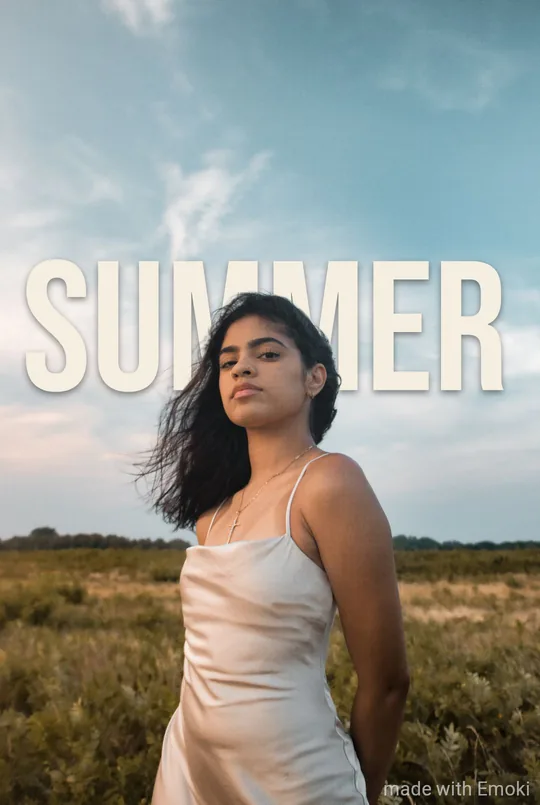
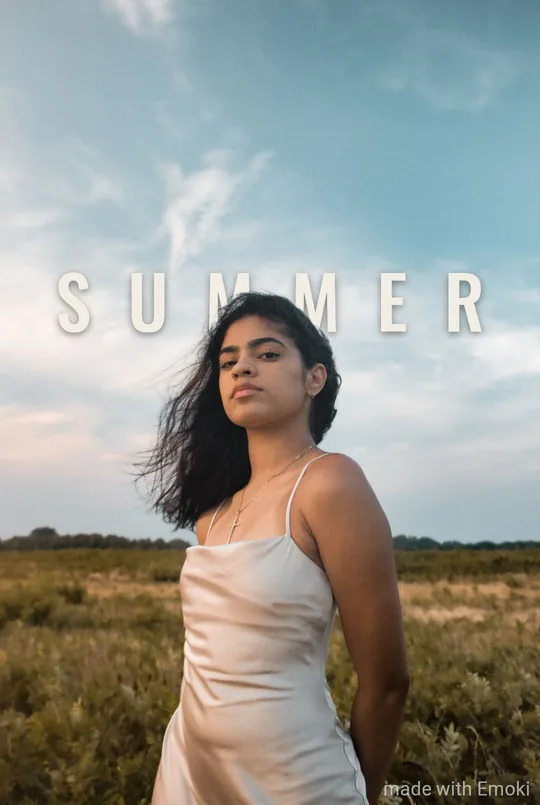
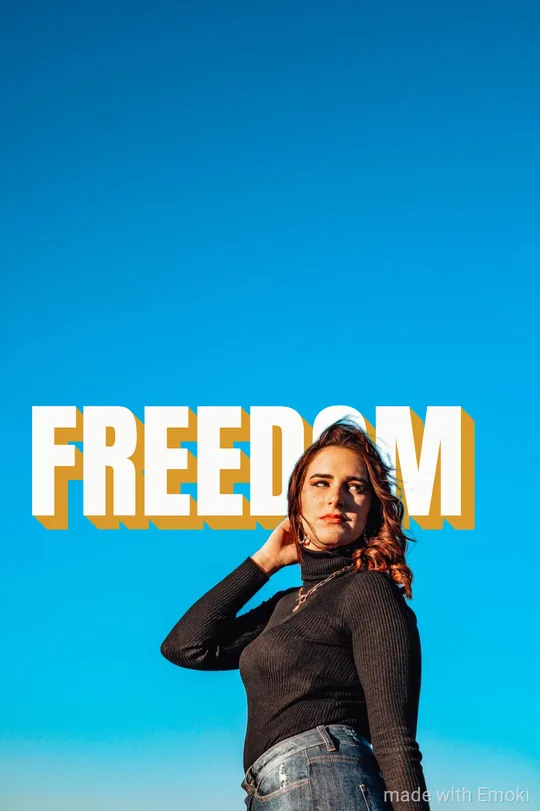
Type one or two words, pick a bold style, and Emoki tucks them behind the person, pet or object in your photo — the magazine-cover look, without masks or layers.
In the Emoki app · free on iPhone and Android
 Scan to get Emoki on your phone
How it works
- Pick a photo with a clear subject — A person, a pet or an object that stands out from the background, ideally with some room above it.
- Type a short word — One or two words, up to 12 characters. Short words get the biggest letters.
- Choose the Behind look — In Big Bebas, Poster Bold, Stacked Shout or Edge to Edge. Emoki places the text so the subject overlaps part of it.
What it looks like
Every example below was made with the app’s own placement rules on a stock photo.



When it works best
- One clear subject: a person, a pet or an object.
- Some room above the subject, like sky or a wall.
- One or two words, up to 12 characters, no emoji.
- A photo, not a video.
Why the text stays readable
Emoki measures how much of every letter the subject covers. The look is only offered when part of the text sits behind the subject and every single letter stays at least half visible — so the word always reads, and nothing has to be fixed by hand.
FAQ
Is it free?
Yes. Emoki is free on iPhone and Android. Images carry a small “made with Emoki” mark unless you have Emoki Plus.
Can I do this online, in the browser?
Not yet. The online editor on emoki.io puts text on your photo; the Behind look needs the subject recognition in the app.
Which phones does it work on?
iPhones with iOS 17 or later, and Android phones with Google Play services.
Is my photo uploaded to find the subject?
No. The subject is found on your phone; the photo is never sent anywhere.
Why don’t I see the Behind look for my photo?
It appears only when the photo has one clear subject and the caption is short enough for every letter to stay readable. Try a shorter word or a photo with more room above the subject.
Does it work on video?
Not yet — the Behind look is for photos.
Get Emoki
Free on the App Store and Google Play — 30 caption styles for photos and videos, animated text and the Behind look.