Edge to Edge: text on your photo
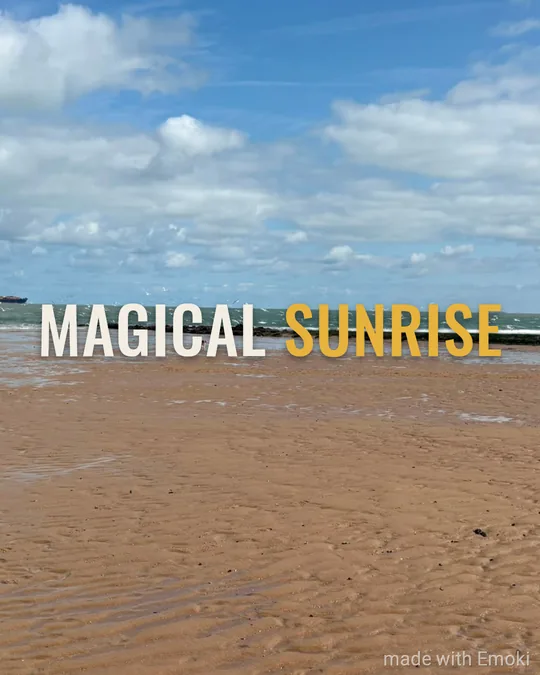
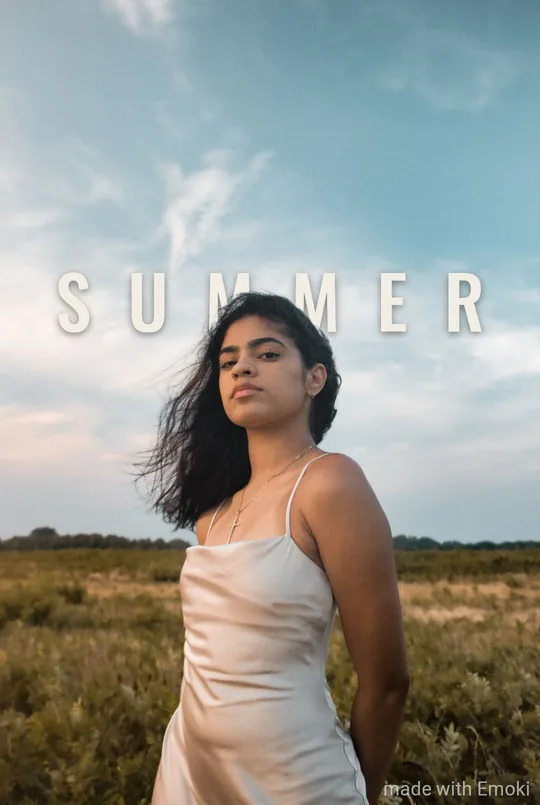
A wide-tracked title that stretches across the frame, last word in gold.
Ideal for: Short titles: SUMMER, NIGHT, GOLDEN HOUR
Styles
Saved. Want it on video too?
The same styles on your videos, plus animated text. Free in the Emoki app.
 Scan to get Emoki on your phone
Your photo stays on your device.
About Edge to Edge

The Behind look
Edge to Edge can also tuck the words behind the subject of your photo — every letter stays readable.
In the Emoki app · free on iPhone and Android
More about text behind the subject →
FAQ
What does Edge to Edge look like?
A wide-tracked title that stretches across the frame, last word in gold.
When does Edge to Edge work best?
Short titles: SUMMER, NIGHT, GOLDEN HOUR.
Can I change the font or colours of Edge to Edge?
No — and that is the point. Edge to Edge is a finished look; you only type the words and, if you like, nudge the position.
Want this on video?
Free on the App Store and Google Play: the same 26 styles for photos and videos, plus animated text.
Other styles
More ways to add text
Emoji by Twemoji (CC-BY 4.0) · Fonts under the SIL Open Font License · Licences